
Car Key Programming
Transponder, remote and immobiliser recognition assessed together
- Vehicle key guidance
Contact now
Replacement key pathways
Match car key programming to the blade, remote, transponder or smart-key system instead of treating every key as interchangeable.
Backup and duplicate keys
Discuss car key programming while a dependable working key still remains, before loss or wear removes that reference.
Remote and key fob faults
For car key programming, report button response, remote range, physical damage and whether the mechanical blade still works.
Blade and ignition concerns
Stop using a bent, snapped or sticking key and include the ignition response when describing car key programming.
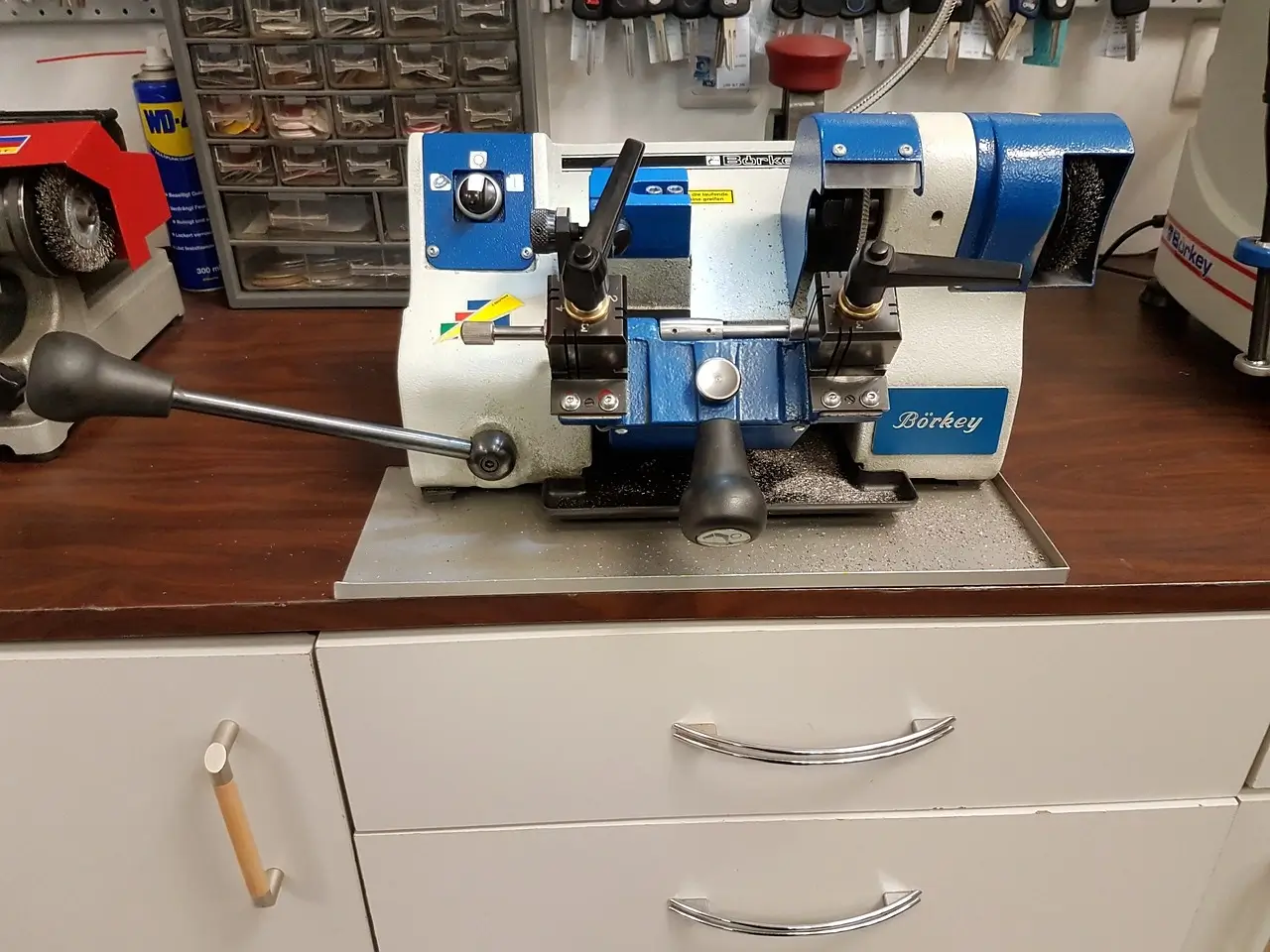
Understanding car key programming for drivers
Situations addressed by car key programming
Transponder recognition
A key warning or no-start symptom can change the car key programming pathway even when the blade or remote still operates.
Remote and key fob faults
For car key programming, report button response, remote range, physical damage and whether the mechanical blade still works.
Locked vehicle access
For car key programming, confirm where the keys are and avoid forcing doors, glass, seals or the boot before access is assessed.
Transponder recognition
A key warning or no-start symptom can change the car key programming pathway even when the blade or remote still operates.
How a car key programming enquiry is assessed
1. Confirm the vehicle and key
Record the make, model, year, location and key type before assessing car key programming.
2. Separate the symptoms
For car key programming, check access, remote response, blade condition, recognition and ignition operation as distinct functions.
3. Agree on the practical option
Explain what can be considered onsite and what parts, security data or workshop support may affect car key programming.
Information to collect before you call
Vehicle and key checklist
- Vehicle make, model and year
- Key blade and fob style
- Remote lock and unlock response
- Ignition and starting response
- Dashboard key or immobiliser warning
Car Key Programming
- Vehicle make and model
- Build year
- Key or remote type
- Current vehicle issue
- Parking and access conditions
- Working spare key
- Vehicle accessibility
- Ownership information
- Preferred contact details
Separate remote control from transponder recognition